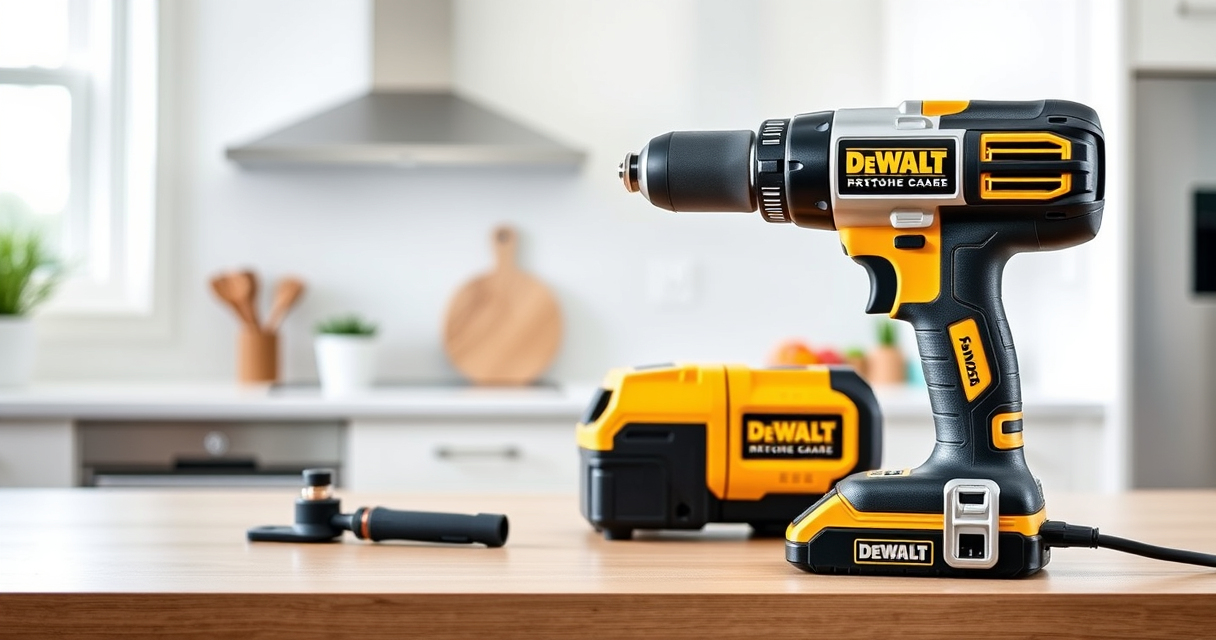

If your DEWALT 20V MAX battery isn’t charging, it can halt your project progress. Understanding common causes and following safe troubleshooting steps can help you get back to work quickly and safely.

Get garden gear delivered free with Prime
- Fast, free delivery on millions of items
- Prime Video, Amazon Music and more included
- Member-only deals all year
This guide provides clear, practical instructions to identify and fix charging problems with your DEWALT power tools.
Key Takeaways
| Battery Age | Older batteries may lose capacity and refuse to charge. |
| Charger Compatibility | Using an incompatible or faulty charger can prevent charging. |
| Connection Issues | Loose or dirty contacts hinder proper charging. |
| Temperature Problems | Charging issues often occur if batteries are too hot or cold. |
| Battery Damage | Cracks or swelling indicate a damaged battery that needs replacement. |
Step 1: Check the Battery and Charger Connection
- Remove the battery from your tool and inspect the contacts for dirt, dust, or corrosion.
- Clean contacts gently with a dry cloth or a soft brush.
- Ensure the battery is seated properly in the charger, clicking into place.
Step 2: Verify the Power Source and Charger
- Plug the charger directly into a known working outlet; avoid extension cords.
- Check if the charger’s LED indicator lights up. Refer to the charger manual for specific LED meanings.
- Try charging another compatible battery to determine if the charger is functioning correctly.
Step 3: Assess Battery Temperature
Ensure the battery is at room temperature before charging. Do not charge if it’s hot or cold, as extreme temperatures can prevent charging or damage the battery.
Step 4: Test or Replace the Battery
If the battery is old, swollen, or visibly damaged, consider replacing it with a compatible DEWALT 20V MAX 5 Ah Lithium-Ion Battery.
Step 5: Seek Further Help if Needed
If your battery still does not charge after these steps, contact DEWALT customer support or replace the battery or charger as needed.
The Products in This Guide

DEWALT 20V MAX Cordless Drill Driver Set
- ✔ Length: 7.6 inches
- ✔ LED Light: Yes
- ✔ Transmission: 2-speed

DEWALT Drill Bit Set
- ✔ Size Range: 1/16 to 3/8 inch
- ✔ Weight: Approx 1 lb
- ✔ Durability: High
DEWALT 20V MAX Cordless Drill Driver Set
The DEWALT 20V MAX Cordless Drill Driver Set is a versatile, brushless tool known for its durability and performance. If your battery isn’t charging, use this guide to troubleshoot common issues safely and effectively.
Pros:
- High-quality brushless motor
- Lightweight and ergonomic design
- Includes 2.0 Ah battery and charger
- LED work light for better visibility
Cons:
- Battery charging issues may occur over time
- Charger or battery may need replacement
- Limited to 20V MAX system
Best for: DIY enthusiasts and professionals needing reliable cordless power
Not ideal for: Users with incompatible chargers or damaged batteries
Bottom line: A dependable cordless drill with troubleshooting steps for charging issues.
DEWALT Drill Bit Set
Complement your DEWALT drill with this durable 14-piece drill bit set, ideal for plastic, wood, and metal. It’s a great addition for general-purpose drilling tasks.
Pros:
- High Speed Steel construction
- 135 Degree Split Point tip
- 3-Flats shank reduces slip
- Size markings for quick identification
Cons:
- Only suitable for hand-held drilling
- Not for heavy-duty industrial use
- Limited to small sizes
Best for: Home repairs and light to medium DIY projects
Not ideal for: Heavy-duty or industrial drilling tasks
Bottom line: A versatile drill bit set perfect for everyday DIY projects.
Frequently Asked Questions
How do I know if my battery is completely dead?
If your battery doesn’t show any signs of charging after multiple attempts, or if the charger’s LED indicator remains off, it may be fully dead and require replacement.
Can I use a different charger for my DEWALT battery?
It’s best to use the original DEWALT charger designed for your battery. Using incompatible chargers can damage the battery or prevent it from charging properly.
Why does my charger’s LED indicator stay red or off?
A red light may indicate a problem with the battery or charger. Off or no light suggests the charger isn’t receiving power or is faulty. Check the outlet and connections.
Is it safe to attempt fixing my battery or charger myself?
Only perform troubleshooting steps outlined in this guide. Do not attempt to disassemble batteries or chargers, as they contain hazardous materials and can be dangerous.
Getting Your DEWALT Power Tools Back in Action
By following these safe, step-by-step troubleshooting tips, you can often resolve charging issues with your DEWALT batteries. Remember to inspect connections, verify the charger and battery condition, and maintain proper temperature conditions. If problems persist, consider replacing the battery or contacting DEWALT support for assistance.
Affiliate disclosure: As an Amazon Associate we earn from qualifying purchases. Prices and availability are accurate as of the time of publishing.
Fall yard work Picks

Greenworks 80V Cordless Electric Leaf Blower with 2.5Ah Battery and Charger
As an affiliate, we earn on qualifying purchases.