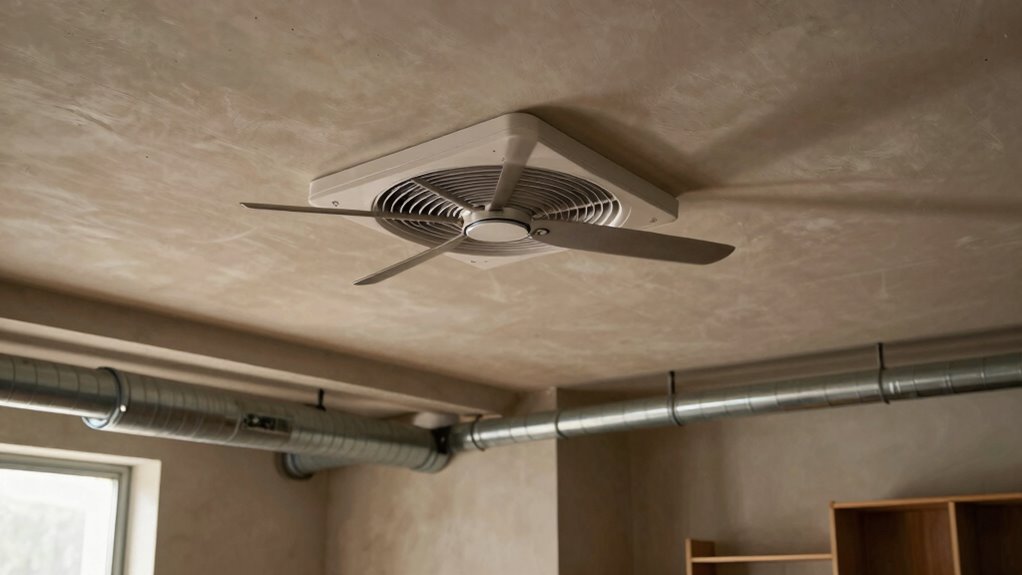

If your inline fan feels too loud in the wrong room layout, it’s likely because noise can amplify with poor placement and room acoustics. Installing the fan near walls or in echo-prone spaces like high ceilings or hard floors can make the noise seem much louder. Vibrations from loose fittings or insecure mounts also increase sound. Proper positioning and soundproofing can make a big difference, so keep exploring ways to optimize your setup for quieter operation.

Get garden gear delivered free with Prime
- Fast, free delivery on millions of items
- Prime Video, Amazon Music and more included
- Member-only deals all year
Key Takeaways
- Poor placement near walls or furniture amplifies fan noise through reflection and sound transmission.
- Rooms with hard floors and minimal furnishings reflect sound, increasing perceived loudness.
- Loose fittings or unsecured mounts cause vibrations that intensify noise levels.
- Inadequate soundproofing allows airflow and vibration sounds to travel freely within the space.
- Wrong fan positioning in echo-prone rooms leads to higher noise perception due to sound reverberation.
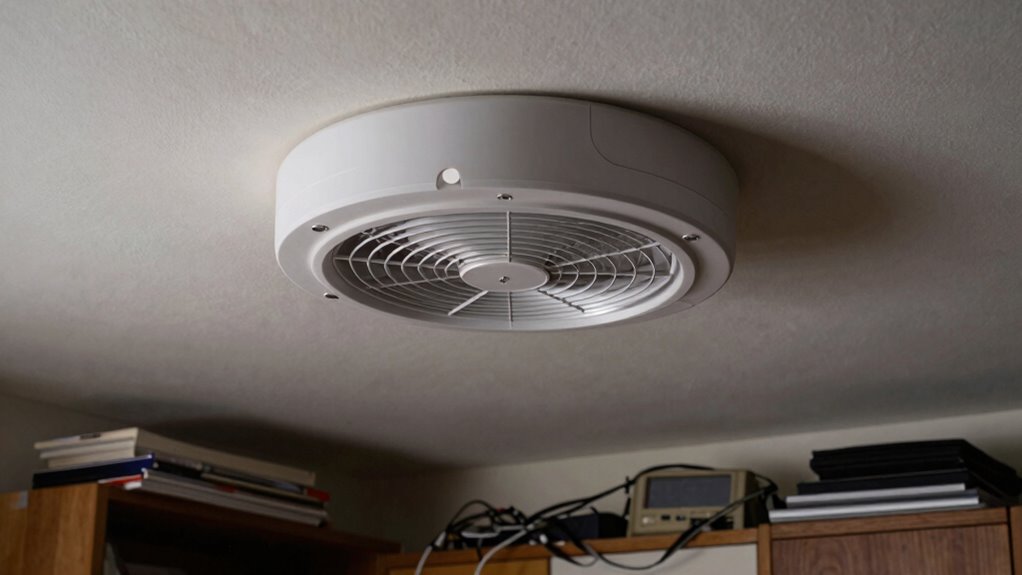
When installing inline fans in your room layout, noise can become a significant concern that affects comfort and concentration. These fans are designed to improve ventilation efficiency by moving air quietly and effectively. However, if they’re placed incorrectly or the room isn’t suited for their operation, the noise can become quite disruptive. You might notice it’s louder than expected, making it harder to focus, relax, or sleep. Understanding why this happens is key to optimizing your setup and reducing unwanted noise levels.
One common reason inline fans seem too loud in certain rooms is poor placement. If you install the fan too close to your sitting or sleeping areas, the noise becomes more noticeable. Fans generate sound through vibrations and airflow, and these sounds are amplified when the unit is situated in a space with poor sound insulation or echoing surfaces. To improve ventilation efficiency without increasing noise, you need to consider how sound travels within the room. Positioning the fan away from direct contact with walls or using acoustic dampening materials can help minimize sound transmission.
Proper fan placement and soundproofing reduce noise and improve ventilation efficiency.
Another factor contributing to excessive noise is the room’s layout itself. Rooms with high ceilings, hard floors, or minimal furnishings tend to reflect sound more, making the fan noise seem louder. Conversely, rooms with soft furnishings, carpets, or acoustic panels absorb sound and help keep noise levels down. If your room’s design favors open, reflective surfaces, the inline fan’s noise might feel more intrusive. In such cases, adjusting the placement of the fan or adding soundproofing measures can make a noticeable difference. Additionally, understanding how room acoustics influence noise levels can guide better installation choices. Improving the room’s sound absorption can also help mitigate noise issues. Paying attention to soundproofing techniques can further enhance your comfort. Recognizing the importance of sound insulation can lead to more effective noise reduction strategies.
Installation challenges also play a role in how loud your inline fan feels. If the fan isn’t securely mounted or the ductwork isn’t properly sealed, vibrations can increase the noise level. Loose fittings or unsecured brackets can cause rattling sounds that amplify the overall noise. Ensuring tight, stable connections and using vibration-isolating mounts can significantly reduce these issues. Additionally, choosing a fan with sound-reducing features or quieter operation modes can help, especially if the room’s layout makes noise more noticeable.
Ultimately, the key to avoiding loud inline fans in the wrong room layout lies in understanding how placement, room acoustics, and installation methods influence noise levels. By thoughtfully positioning your fan, improving sound absorption in the room, and ensuring a secure, vibration-free installation, you can enjoy the benefits of improved ventilation efficiency without the distraction of excessive noise.
As an affiliate, we earn on qualifying purchases.
Frequently Asked Questions
Can Noise Levels Vary Between Different Brands of Inline Fans?
Yes, noise levels can vary between different brands of inline fans. You’ll notice that some brands have a better reputation for noise reduction, offering quieter operation. When choosing an inline fan, consider the brand’s reputation for quality and sound performance. Cheaper or lesser-known brands might save you money upfront but could produce louder noise, especially if they lack proper sound insulation or advanced noise reduction features.
Are There Specific Room Sizes That Amplify Inline Fan Noise?
Yes, certain room sizes can amplify inline fan noise. Smaller rooms with poor acoustics tend to reflect sound, making the noise seem louder. To reduce this, you should consider soundproofing techniques like adding insulation, acoustic panels, or soft furnishings that absorb sound. Ensuring proper placement of the inline fan, away from walls and corners, also helps minimize noise transmission and improves overall room acoustics.
How Does Fan Speed Affect Perceived Loudness?
You might think increasing fan speed makes it louder, but it actually depends on fan placement and soundproofing options. Higher speeds do amplify perceived loudness, yet proper placement minimizes noise transfer. Using soundproofing options like vibration mounts or acoustic enclosures can help control noise at higher speeds. So, adjusting fan speed influences loudness, but strategic placement and soundproofing are key to maintaining a quieter environment.
Do Installation Materials Impact Noise Transmission?
Yes, installation materials impact noise transmission. When you choose the right materials, like soundproof barriers or insulated ducting, you reduce the noise that travels through your system. Using sturdy, vibration-dampening mounts and sealing gaps with appropriate insulation also helps prevent sound from escaping or amplifying. Proper installation with quality materials guarantees your inline fan operates quietly, especially in rooms with sensitive setups or close quarters.
Can Routine Maintenance Reduce Inline Fan Noise?
Yes, routine maintenance can help reduce inline fan noise. You should check for loose components and clean the blades regularly, which minimizes vibration and prevents excess noise. Installing vibration dampening mounts and soundproof enclosures also makes a big difference. These measures absorb vibrations and block sound transmission, keeping your inline fan quieter during operation. Regular upkeep guarantees your fan runs smoothly and quietly over time.
ventilation fan acoustic dampening
As an affiliate, we earn on qualifying purchases.
As an affiliate, we earn on qualifying purchases.
Conclusion
If your inline fan feels too loud in the wrong room layout, it’s likely due to poor placement or insufficient soundproofing. The common belief is that quieter fans are always better, but in reality, selecting a model with the right noise level for your space matters most. Properly positioning your fan and adding sound dampening can markedly reduce noise. So, don’t just chase the quietest model—consider your room’s layout and installation to truly solve the issue.
inline bathroom fan with quiet operation
As an affiliate, we earn on qualifying purchases.
As an affiliate, we earn on qualifying purchases.
room acoustic panels for sound absorption
As an affiliate, we earn on qualifying purchases.
As an affiliate, we earn on qualifying purchases.
Fall Picks
fall essentials
As an affiliate, we earn on qualifying purchases.