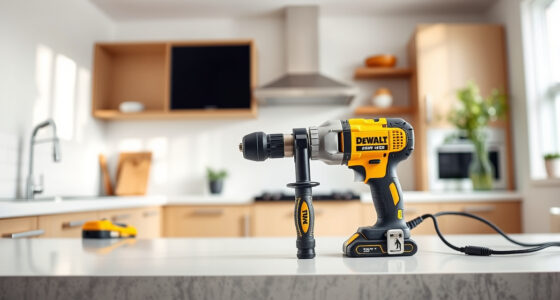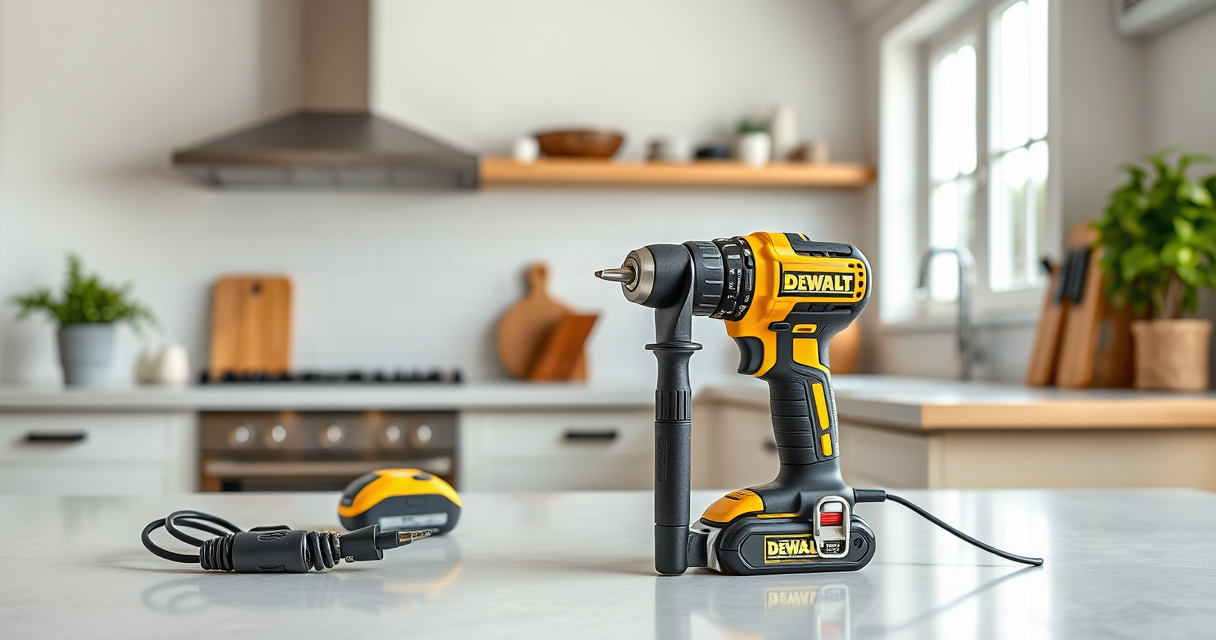

Maintaining your DEWALT power tools is essential for ensuring they perform reliably and last for years. Proper upkeep not only enhances safety but also saves you money by preventing costly repairs or replacements. In this guide, we’ll walk you through the practical steps for maintaining your DEWALT tools, focusing on the popular DEWALT 20V MAX Cordless Drill and Impact Driver (ASIN B0C3PQHGR7), along with troubleshooting common issues.

Get garden gear delivered free with Prime
- Fast, free delivery on millions of items
- Prime Video, Amazon Music and more included
- Member-only deals all year
Whether you’re a professional contractor or a DIY enthusiast, regularly inspecting, cleaning, and caring for your tools is straightforward. Follow these step-by-step instructions to keep your DEWALT power tools in top condition, and learn how to identify and fix common problems effectively.
Key Takeaways
| Regular cleaning prevents debris buildup | Keep tools free of dust and dirt for optimal performance. |
| Inspect for damage | Regularly check for cracks, loose parts, or worn components. |
| Battery care extends lifespan | Proper charging and storage prevent battery degradation. |
| Lubricate moving parts | Use appropriate lubricants to ensure smooth operation. |
| Troubleshoot common issues promptly | Identify and fix problems early to avoid further damage. |
Preparing Your Power Tools for Maintenance
- Turn off and unplug the tool or remove batteries before starting any maintenance to ensure safety.
- Gather your cleaning supplies: a soft brush, microfiber cloths, compressed air, and lubricants designed for power tools.
- Inspect your tool visually, noting any obvious damage or loose parts that may require repair or replacement.
Cleaning Your DEWALT Cordless Drill and Impact Driver
- Use compressed air to blow out dust and debris from vents, motor housing, and around the chuck area.
- Wipe the exterior with a damp microfiber cloth, avoiding excessive moisture near electrical components.
- For stubborn grime, use a mild detergent solution, then dry thoroughly.
- Remove and inspect the drill bits and accessories for wear or damage, replacing as needed.
Inspecting and Maintaining Batteries
- Check the battery contacts for dirt or corrosion; clean with a dry cloth if necessary.
- Ensure batteries are stored in a cool, dry place and avoid extreme temperatures.
- Charge batteries using the official DEWALT charger, avoiding overcharging by removing them once fully charged.
- Periodically perform a capacity test by noting run time to detect degradation.
Lubricating Moving Parts and Chuck
- Apply a few drops of light machine oil to the chuck’s moving parts to maintain smooth bit changes.
- Check the trigger and switch mechanisms—apply lubricant if they feel stiff or sticky, using products recommended for power tools.
- Avoid over-lubricating, as excess oil can attract dirt.
Troubleshooting Common Problems
- Tool Won’t Turn On: Verify the battery is fully charged and properly seated. Check for tripped switches or blown fuses if applicable.
- Reduced Power or Speed: Clean the contacts and ensure the battery has sufficient charge. Consider replacing worn brushes or worn-out parts.
- Overheating: Allow the tool to cool down, clean vents, and avoid prolonged use without breaks.
- Chuck Won’t Tighten or Loosen: Inspect the quick-release mechanism for debris or wear and lubricate if needed.
The Products in This Guide

DEWALT 20V MAX Cordless Drill and Impact Driver
- ✔ Size: 7.6 inches
- ✔ Battery Life: Long-lasting 5Ah
- ✔ Color: Yellow and black

DEWALT Drill Bit Set
- ✔ Weight: Lightweight
- ✔ Application: Multi-material
- ✔ Durability: High
DEWALT 20V MAX Cordless Drill and Impact Driver
The DEWALT 20V MAX Cordless Drill and Impact Driver (DCK277D2) offers a compact, lightweight design with a brushless motor that ensures efficiency and durability. Its ergonomic grip and bright LED light make it user-friendly in tight or poorly lit spaces. Regular maintenance, including cleaning and inspection, will keep this versatile tool performing at its best.
Pros:
- Compact and lightweight for easy handling
- Brushless motor for longer life and efficiency
- Includes 2 batteries and charger for extended use
- Bright LED for visibility in dark spaces
Cons:
- Battery capacity may limit extended tasks
- Chuck can sometimes be stiff if debris accumulates
- Requires regular cleaning to prevent dust buildup
Best for: Ideal for DIY projects, home repairs, and professional tasks requiring precise control.
Not ideal for: Not suited for heavy industrial use or prolonged continuous work without regular maintenance.
Bottom line: A reliable, versatile cordless drill and impact driver combo perfect for various tasks.
DEWALT Drill Bit Set
Complement your DEWALT power tools with this durable 14-piece drill bit set, featuring high-speed steel bits with a 135-degree split point for reduced walking and precise drilling in plastic, wood, and metal. Its black and gold coating prevents rust, ensuring long-term use.
Pros:
- Includes a variety of sizes for different projects
- Durable high-speed steel construction
- Prevents rust with coated finish
- Tapered web design for strength
Cons:
- Only suitable for drilling, not for heavy-duty tasks
- Bits may wear after extensive use
- No storage case included
Best for: Ideal for DIY projects, home repairs, and hobbyist use.
Not ideal for: Not suitable for industrial or very heavy-duty applications.
Bottom line: A versatile drill bit set that enhances drilling precision and durability.
Frequently Asked Questions
How often should I clean my DEWALT power tools?
Clean your tools after each use to prevent dust and debris buildup, which can impair performance and cause overheating.
Can I use any lubricant on moving parts?
Use lubricants specifically designed for power tools, such as light machine oils, to ensure smooth operation without damaging internal components.
What should I do if my battery no longer holds a charge?
First, ensure the battery is fully charged and stored properly. If it still doesn’t hold a charge after multiple cycles, consider replacing it with a new DEWALT 20V MAX 5Ah battery.
How can I troubleshoot my tool if it stops working?
Check the battery charge, inspect for any visible damage, ensure switches are engaged properly, and clean the chuck and vents. If issues persist, professional repair may be needed.
Is it safe to lubricate the trigger switch?
Generally, no. Avoid lubricating the trigger switch directly; instead, keep it clean and free of debris. If it feels sticky, a professional service is recommended.
Keep Your DEWALT Tools in Peak Condition for Long-Term Performance
Regular maintenance of your DEWALT power tools ensures they stay reliable, safe, and efficient for years to come. By following the cleaning, inspection, and troubleshooting steps outlined in this guide, you can prevent common issues and extend the lifespan of your investment. Remember, a well-maintained tool not only performs better but also reduces safety risks during use.
Make maintenance a routine part of your tool care, and you’ll enjoy consistent, trouble-free operation on all your projects.
Affiliate disclosure: As an Amazon Associate we earn from qualifying purchases. Prices and availability are accurate as of the time of publishing.
Halloween Picks

8.5 Foot Halloween Inflatable Haunted House Castle with Skeleton, Ghost & Skulls

Kalolary 11 ft Halloween Inflatable Archway Ghost House Tunnel

12-Foot Inflatable Pumpkin Halloween Archway with LED Lights
As an affiliate, we earn on qualifying purchases.